


How to Create Innovative Rock and Metal Music Videos with AI
- Travis B
- Apr 15
- 7 min read

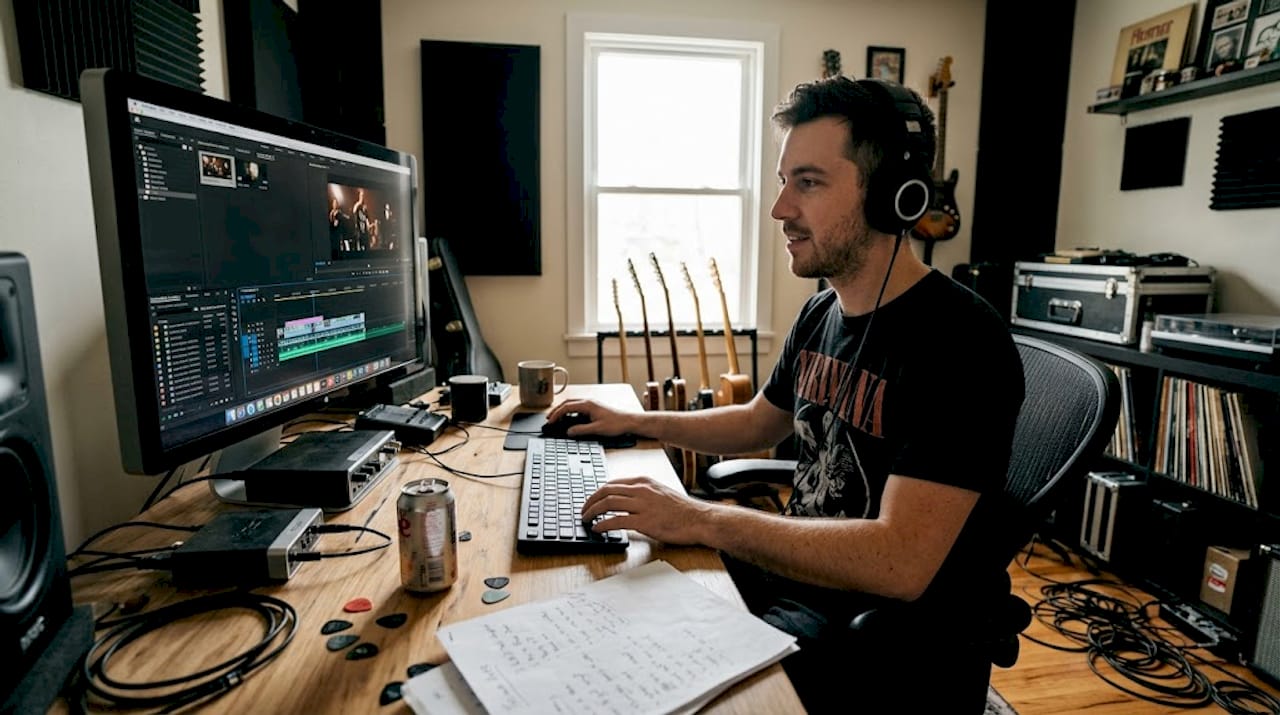
Rock and metal music videos have always been about raw power and visual impact, but the pressure to stand out has never been heavier. Fans scroll past hundreds of videos every day, and a generic performance clip just doesn’t cut it anymore. The good news is that AI lowers barriers for rock and metal artists by enabling prompt-based generation of dark, epic visuals like stormy skies and fire without burning through a massive budget. In this guide, we walk you through the tools, the creative process, how to troubleshoot common problems, and how to know when you’ve actually made something that matters.
Table of Contents
Key Takeaways
Point | Details |
Choose creative tools | Selecting the right mix of AI and editing software sets the stage for innovative visuals. |
Break the process down | Use clear song sectioning and prompt engineering for best results. |
Balance authenticity | Blend live footage and AI effects to keep videos engaging and genuine. |
Verify across criteria | Assess originality and emotional impact for true innovation. |
Tools and foundations for innovative music videos
Before you shoot a single frame or generate a single clip, you need to understand what separates a forgettable video from one that actually hits. Classic rock and metal videos have always leaned on a few core techniques: live performance footage, dark or industrial set design, dramatic lighting, and strong visual storytelling. Those foundations still matter. What’s changed is the toolkit available to independent artists who don’t have a major label budget behind them.
Here’s what you’ll need to get started:
A clear concept and emotional direction for your song
ZSky AI for prompt-based video clip generation
Stable Diffusion for still image generation and visual style development
DaVinci Resolve for editing, color grading, and audio sync
A song sectioned into segments (verse, chorus, bridge, breakdown)
Master style prompts that define your visual world (lighting, color palette, mood)
The workflow that works best for metal and rock is straightforward. You break the song into sections, write master style prompts, generate clips with ZSky AI, then edit in DaVinci Resolve. Each section of your song should have its own visual energy that matches what’s happening musically.
Tool | Best use | Cost range |
ZSky AI | AI video clip generation | Free to mid-tier |
Stable Diffusion | Image and style reference | Free (open source) |
DaVinci Resolve | Editing and color grading | Free to professional |
Traditional camera | Live performance footage | Varies |
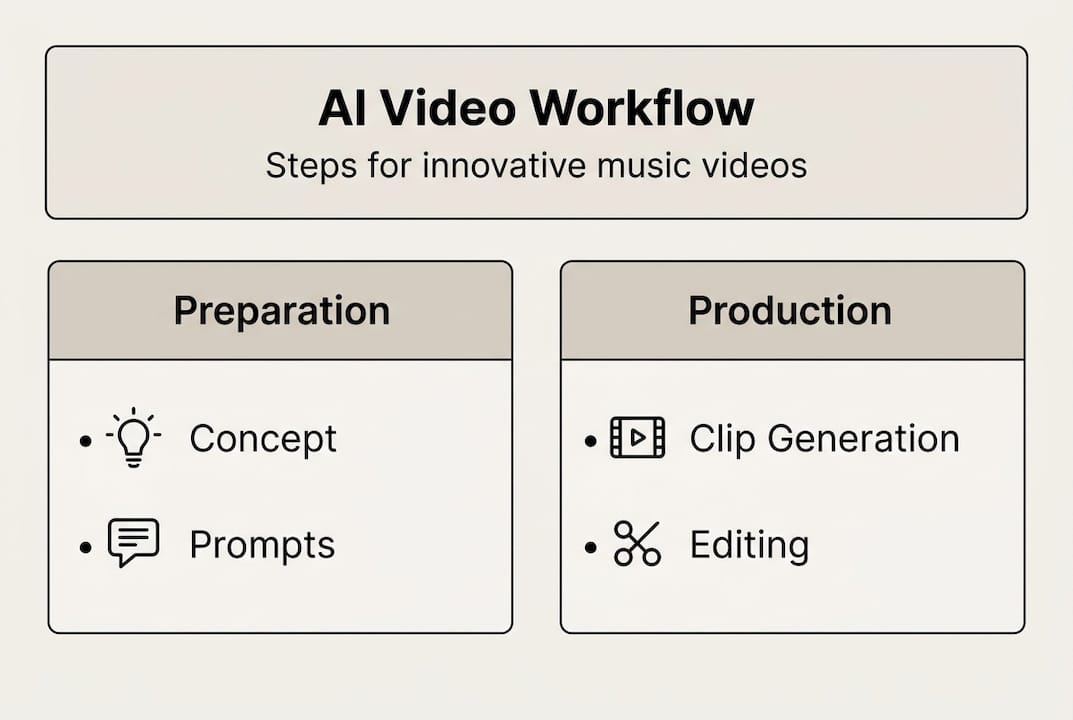
Pro Tip: Before you generate anything, write a one-paragraph description of the world your song lives in. Is it post-apocalyptic? Gothic? Industrial? That paragraph becomes the backbone of every prompt you write.
Getting these foundations right saves you hours of frustrating rework later. The tools are accessible, but the creative vision still has to come from you.
Step-by-step: Crafting an innovative video
With your tools lined up and your concept locked in, here’s how to actually build the thing.
Storyboard your song section by section. Map out what you want viewers to feel and see during each part. Verse might be dark and intimate. Chorus explodes with chaos. Breakdown goes abstract.
Write cinematic AI prompts for each section. Use descriptive, specific language. “Slow-motion burning cathedral, ash falling like snow, deep red and black color palette, cinematic 4K” is far more useful than “dark church.”
Generate clips in batches. Run multiple prompt variations for each section so you have options during editing.
Import everything into DaVinci Resolve. Lay your audio track first, then start placing clips against it.
Sync cuts to the rhythm. Hard cuts on downbeats, slower transitions during melodic sections.
Color grade to unify the visual world. Even mixed footage (live and AI) can feel cohesive with the right grade.
“Within Temptation’s ‘Bleed Out’ uses AI animation for band performance and narrative storytelling, transforming live footage into AI-generated elements.” This is a real-world example of how blending live and digital footage can create something genuinely striking.
Stage | Task | Time estimate |
Pre-production | Concept, storyboard, prompts | 2 to 4 hours |
Generation | AI clip batches | 3 to 6 hours |
Editing | Assembly and sync | 4 to 8 hours |
Color grading | Visual cohesion | 2 to 3 hours |
Pro Tip: Generate at least three variations of each AI clip before committing. The first result is rarely the best one, and having options during editing makes a huge difference in the final product.
This process isn’t about replacing your artistic voice. It’s about giving that voice more tools to work with.
Troubleshooting and addressing common challenges
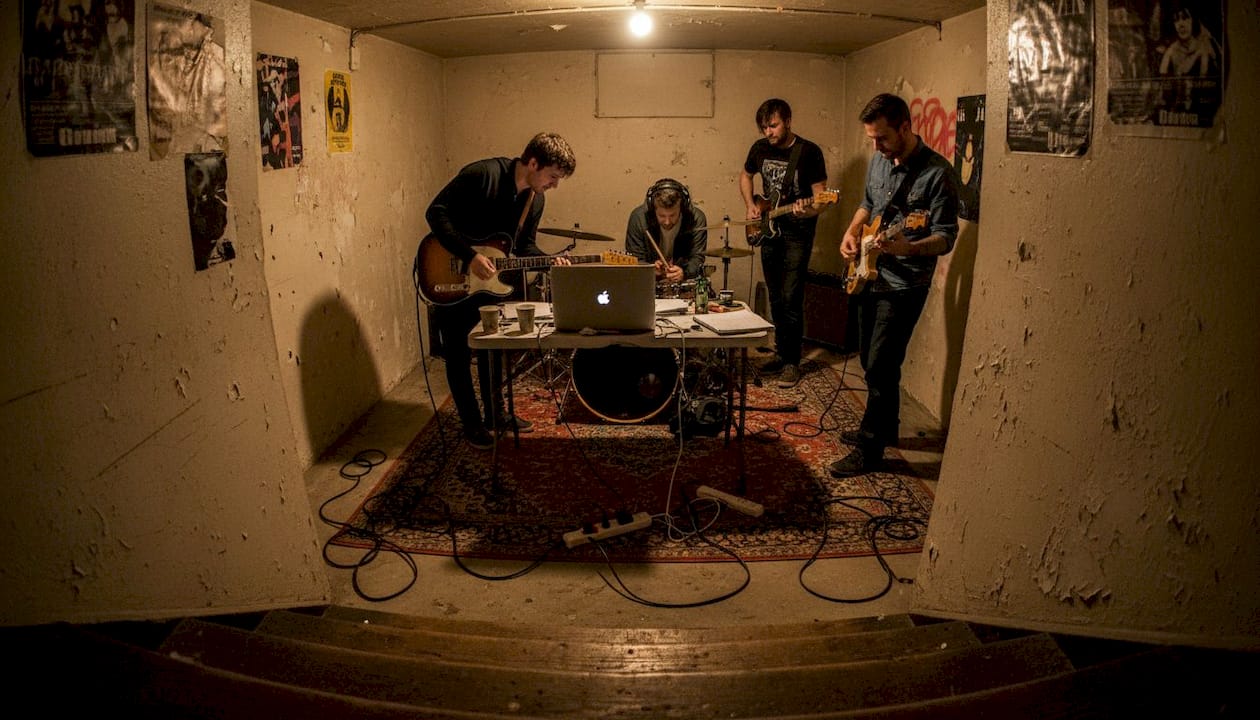
Even with a solid workflow, things go sideways. Here are the most common problems and how to handle them.
Syncing issues between visuals and audio are the most frustrating. If your cuts feel off, go back to basics. Mark your audio track with beat markers in DaVinci Resolve before placing any clips. Let the rhythm guide every edit decision.
The uncanny valley problem is real with AI-generated footage. When AI visuals look almost human but not quite, it pulls viewers out of the experience. The key is to maintain human oversight for narrative pacing, song-sync, and avoiding uncanny valley moments. Use AI for environments, textures, and abstract visuals rather than close-up human faces.
Here are the most common pitfalls and how to avoid them:
Inconsistent visual style: Stick to one master prompt style sheet for all sections
Overcrowded edits: Less is more. Give each visual moment room to breathe
Narrative drift: Keep checking back against your original storyboard
Audio bleed: Make sure your mix is locked before you start syncing visuals
Overusing AI: Balance generated footage with real performance shots to keep authenticity
The most innovative videos aren’t the ones with the most AI. They’re the ones where every visual choice feels intentional and serves the song.
Pro Tip: If an AI clip looks off but you love the composition, try using it as a background layer with live performance footage composited over the top. You get the visual world without the uncanny valley issue.
Balancing authenticity is the deeper challenge. Fans of rock and metal are sharp. They can feel when something is manufactured versus when it comes from a real place. The goal is to use AI as a creative extension of your vision, not a replacement for it. Your lived experience, your story, your sound, those things can’t be generated by any tool.
Verifying results: What defines innovation?
Once you’ve finished your video, the real question is whether it’s actually innovative or just different. Those aren’t the same thing.
True innovation in a music video comes down to a few core traits:
Originality: Does it feel like something that couldn’t have come from anyone else?
Emotional impact: Does it make the viewer feel something specific and real?
Narrative strength: Does it tell a story, even an abstract one, that connects to the music?
Technical execution: Does the craft support the vision without getting in the way?
Memorability: Will someone remember it a week later?
Periphery’s ‘Atropos’ fuses progressive metal with AI-generated footage, creating abstract worlds and morphing environments to amplify chaotic themes. That’s not just a cool visual trick. It’s a deliberate choice that serves the song’s emotional core.
On the other end of the spectrum, Poppy’s videos blend pop-metal with horror and dark aesthetics, using symbolism in costumes, sets, and choreography to create something that rewards repeated viewing. Innovation doesn’t have to mean AI. It means intentional, layered creative decisions.
Approach | Strength | Risk |
AI-generated visuals | Scale and abstraction | Uncanny valley, generic feel |
Traditional live footage | Authenticity and energy | Budget and production limits |
Hybrid (AI plus live) | Best of both worlds | Requires strong editing skill |
Symbolic and conceptual | Deep narrative impact | Can feel obscure without clarity |
Ask yourself honestly: does your video add something to the conversation in rock and metal, or does it just look like everything else? Audience reaction is one signal, but critical reception and your own gut check matter too. If you made something that surprised even you, you’re probably on the right track.
Why innovation matters now more than ever in rock and metal
Here’s something we’ve learned going through our own creative journey with AI: the technology is not a shortcut. It’s a new frontier, and it demands just as much creative discipline as picking up a guitar or sitting behind a drum kit.
The bands that are doing this well understand that expert prompt engineering dissects song DNA for tempo-matched visuals. That’s not a casual process. It requires you to understand your own music deeply enough to translate it into a visual language.
The uncomfortable truth is that a lot of artists are using AI to avoid the hard work of having a real concept. The tool becomes the idea, and that’s where things fall flat. The bands we respect, the ones who have always pushed rock and metal forward, use every tool available in service of something genuine. That’s the standard worth holding yourself to. Innovation without authenticity is just noise.
Explore emotional rock innovation with Winter Agony
If this guide sparked something for you, we’d love for you to see what we’ve been building. At Winter Agony, we’ve been doing exactly this work: blending our Kentucky roots, our personal stories, and cutting-edge AI technology to create music and visuals that feel real and hit hard.
Check out the Winter Agony discography to hear how we’ve translated raw emotion into sound and vision. If you’re hungry for more from the US emotional rock scene, we’ve got the music, the story, and the inspiration to fuel your own creative projects. Come find your people.
Frequently asked questions
What AI tools are best for creating music videos in rock and metal genres?
ZSky AI, Stable Diffusion, and DaVinci Resolve are the top tools for AI-driven music videos. Generate clips in batches with ZSky AI, then edit and sync everything in DaVinci Resolve for a polished result.
How do I ensure my AI-generated music video doesn’t fall into the ‘uncanny valley’?
Focus AI generation on environments and abstract visuals rather than close-up human faces, and maintain human oversight for narrative pacing and song-sync throughout the editing process.
What makes a music video truly innovative?
Originality, emotional impact, and narrative strength are the core traits. Blending techniques like AI visuals, symbolism, and live performance in service of a genuine concept is what separates innovation from novelty.
Can smaller bands make professional-level videos with AI?
Absolutely. Prompt-based AI tools lower production costs and open up cinematic, pro-level visuals for independent rock and metal artists who don’t have major label budgets.
Recommended
Comments